Round, chamfer or dogbone corners (Corners)#
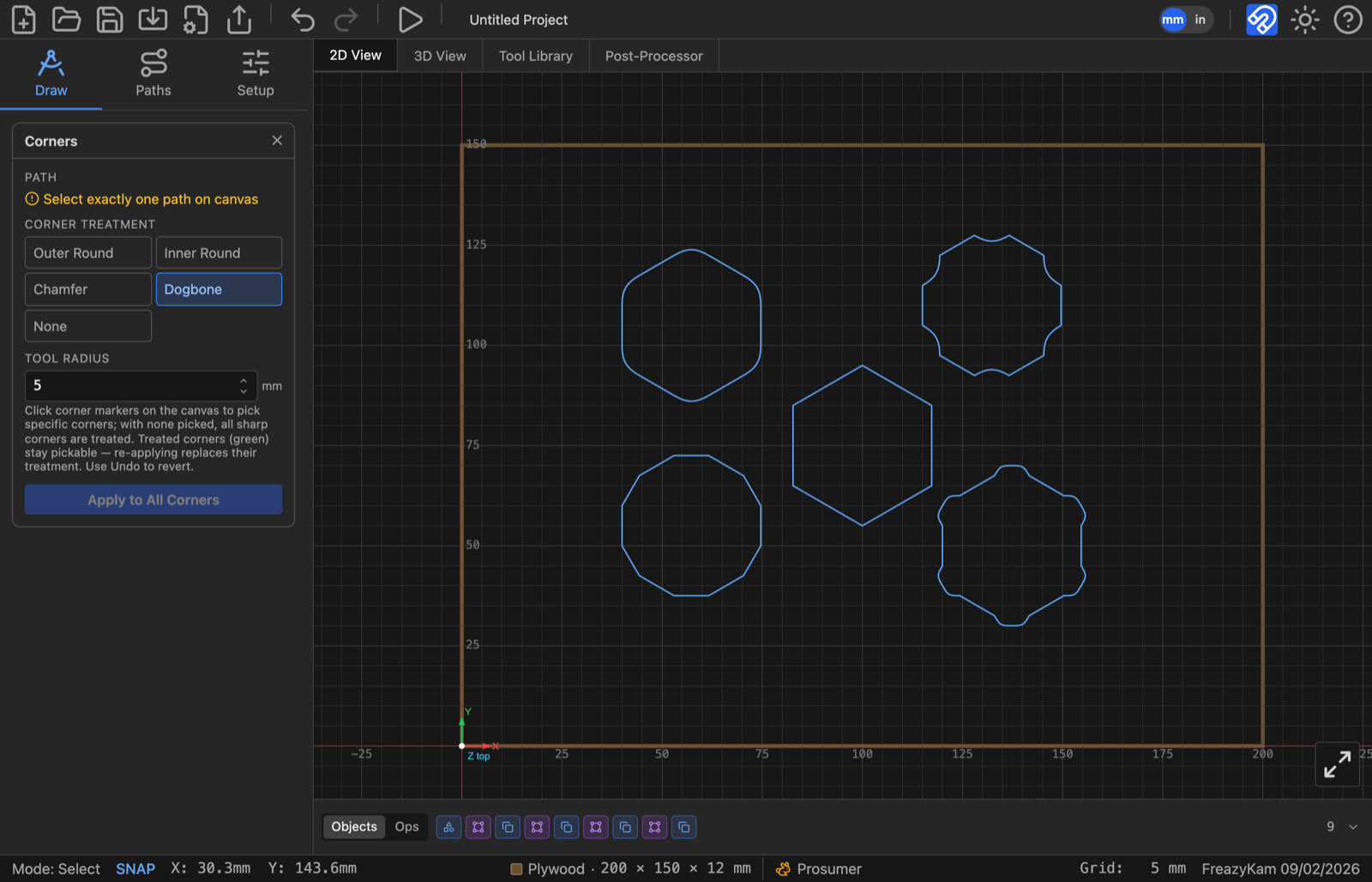
Change the corners of a shape. Corners is under Path Tools in the Draw tab.
- Select one shape.
- Click Corners.
- Under Corner Treatment, pick Outer Round, Inner Round, Chamfer or Dogbone.
- Set the Radius.
- Click corner markers on the canvas to pick corners, or pick none to treat them all.
- Click Apply to All Corners (or Apply to N Selected Corners).
Dogbone lets a square part fit a pocket cut by a round bit. Its field is Tool Radius: enter your bit's radius. None removes a treatment.
Click the shape's Corners chip in the Objects strip to change the treatment later.
Related: Combine shapes · Add holding tabs