Add text#
Put lettering on your design for engraving, V-carving or cutting out.
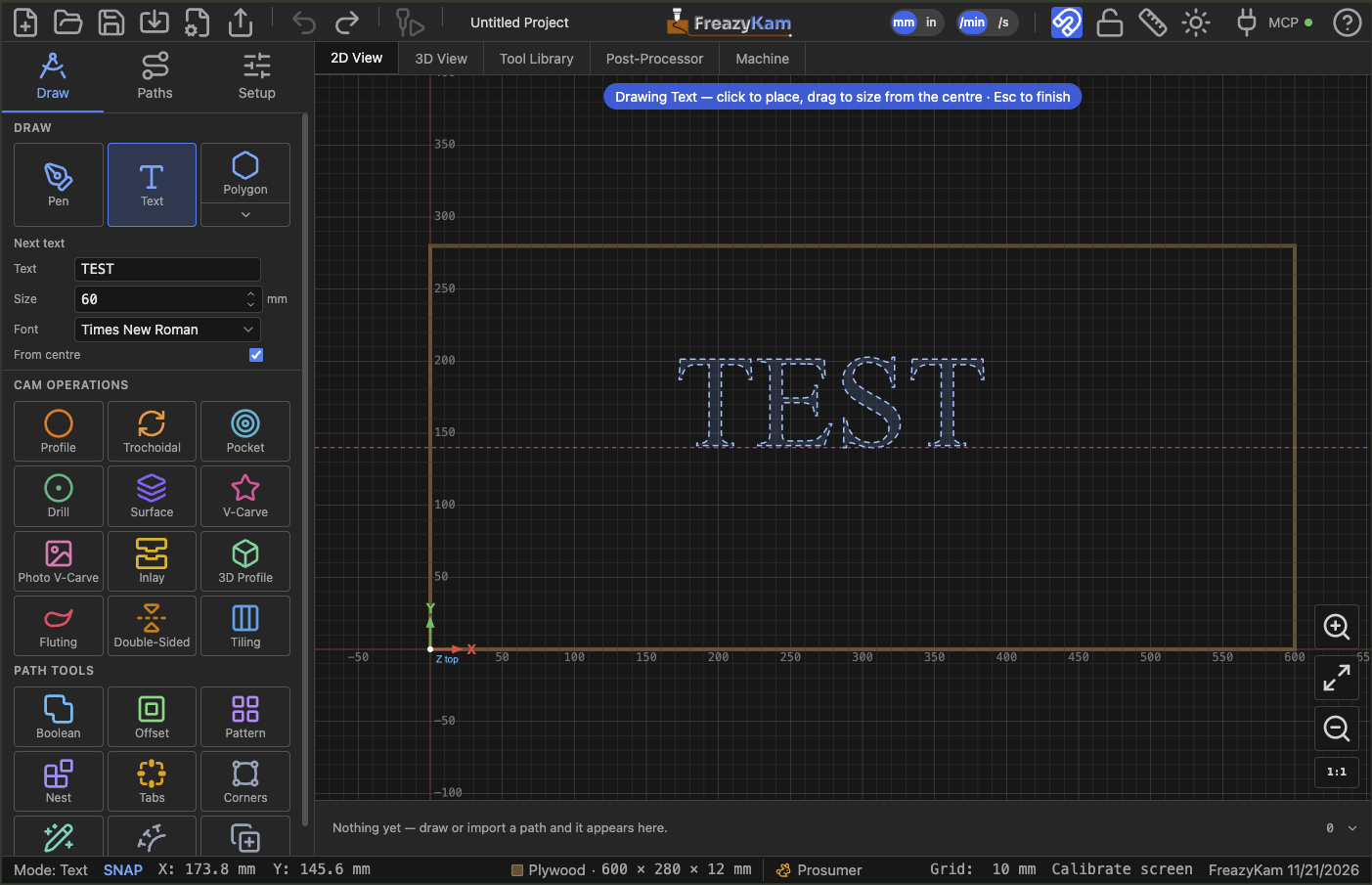
- In the Draw tab, click Text.
- Type your words in Text, set the Size and pick a Font.
- Click the canvas to place it at that size, or drag to set the size by the height of the drag.
The tool stays on, so you can keep clicking to place more. Press Esc to put it down. Tick From centre to place and size the text about its middle.
Pick the right font#
| You want to | Use |
|---|---|
| V-carve or pocket letters, or cut them out | Any outline font, such as Roboto or Times New Roman |
| Engrave with a single line per stroke | Relief SingleLine (single-line). Each letter is open strokes, so cut it with a Profile on the Centerline cut side |
The font list previews each font in your own words.
Change it later#
Click the text. Its T (text), Sz (size) and Fnt (font) fields are in the Properties panel. Change them any time and the letters are redrawn.