Cut with loops (Trochoidal)#
Trochoidal cuts in small overlapping loops instead of ploughing straight along the line. The bit only ever bites a little, so it's easier on the bit and the machine. Use it in hard material, on a light machine, or for a deep cut that would be too much in one go.
- Select the outline, or a line for a slot.
- Under CAM Operations, click Trochoidal.
- Pick the Tool.
- Set Cut Side: Outside for a part, Inside for a hole, Centerline for a slot (see Cut a slot).
- Set Depth.
- Set Loop Amplitude (how far the loops swing) and Step / Loop (how far each loop moves on). The line under them says how wide the loops cut and how far each one moves, as a share of the tool's width.
- Tick Finishing pass for a clean wall.
- Click Generate Toolpath.
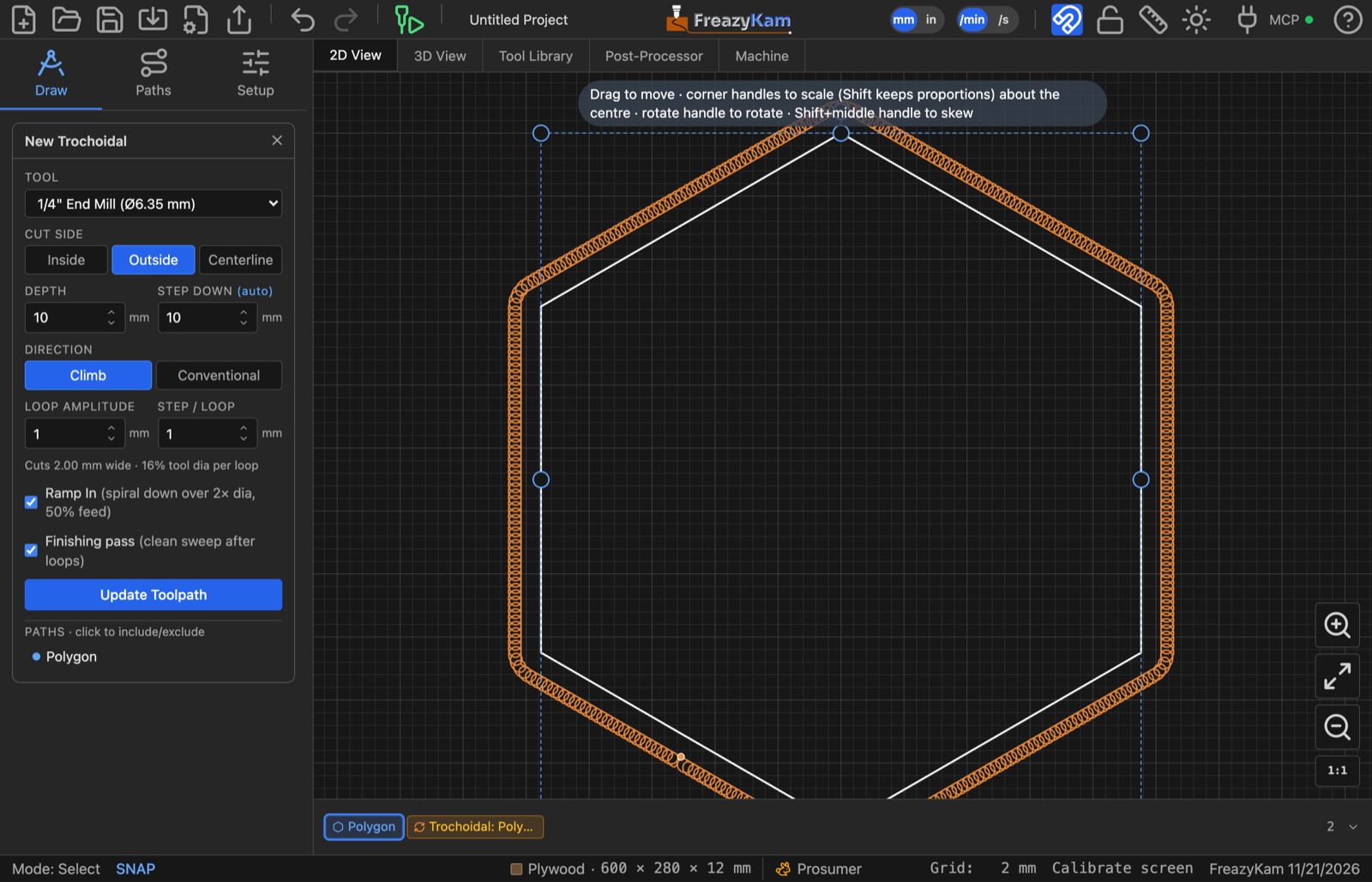
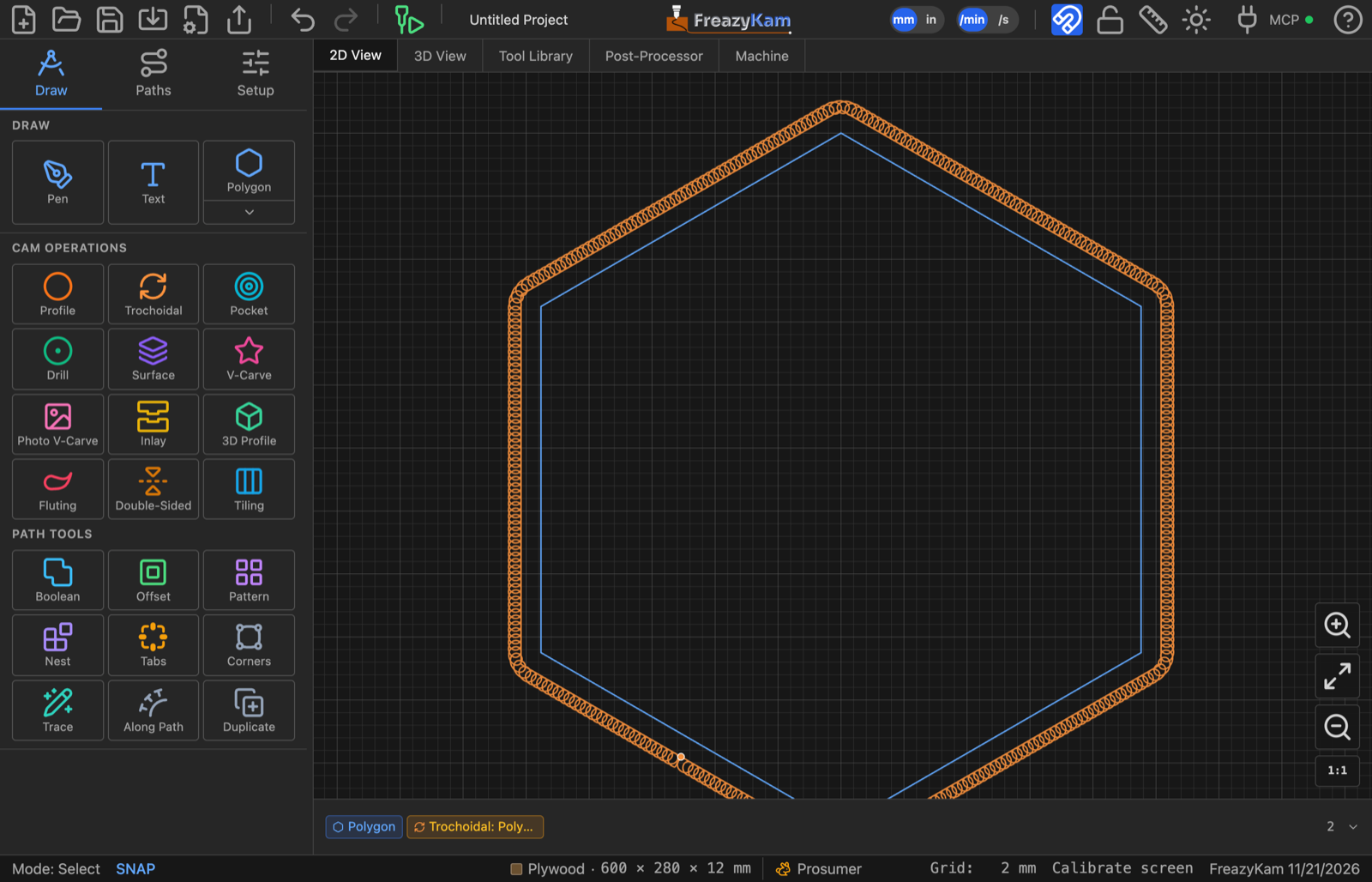
The loops show on the canvas as a band round the line:
Related: Cut out a part · All Trochoidal settings