Inlay a bowtie key#
A butterfly key across a seam or a crack.
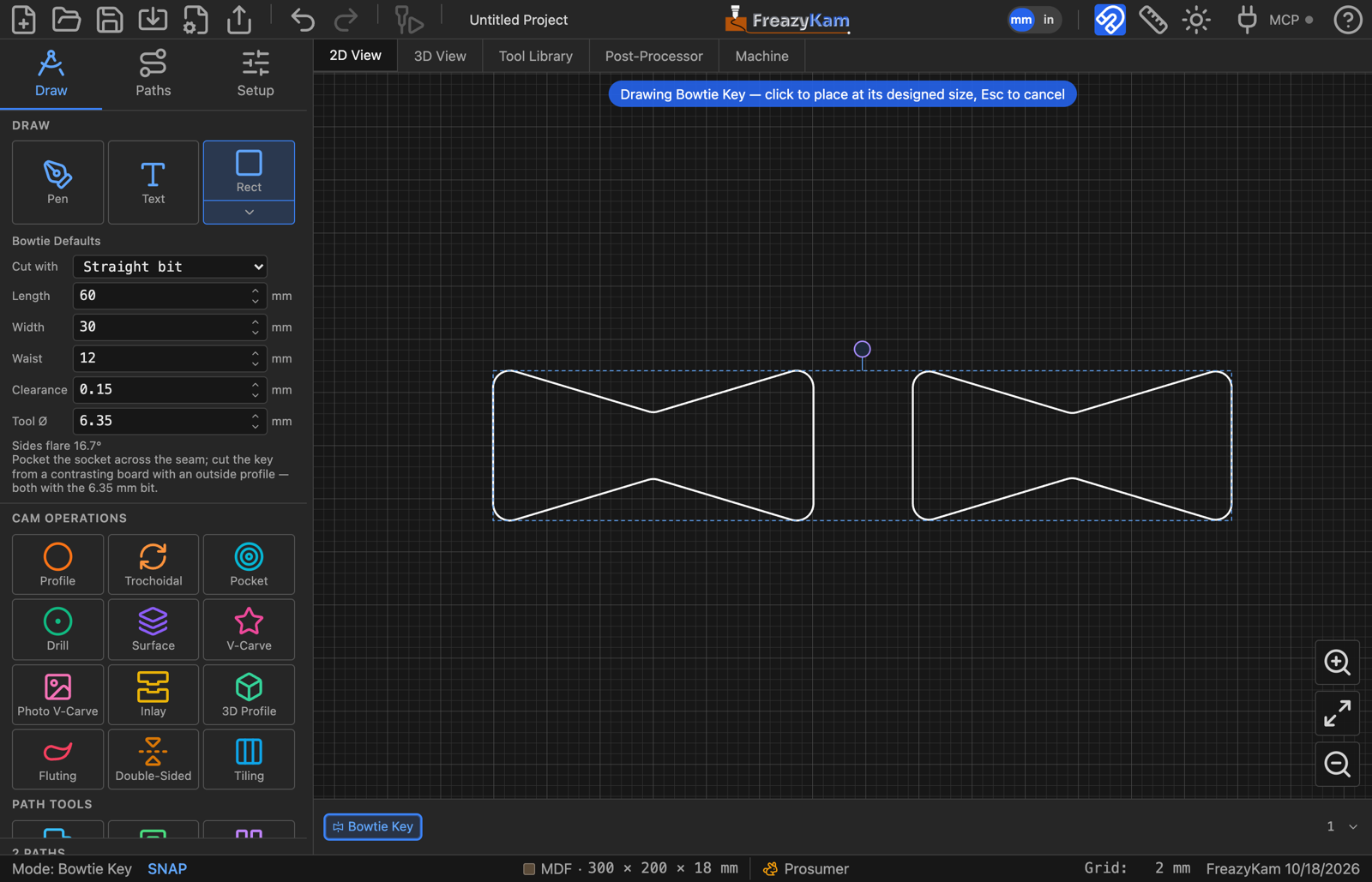
Open the shape picker and click Bowtie.
Set Length (across the seam), Width (the ends) and Waist (the middle).
Choose Cut with:
Choice Then Straight bit Set Clearance and Tool Ø. You get a Socket and a Key V-bit (Inlay) You get one outline. Select it and use Inlay Click to place it, then move it so the waist sits over the seam.
With a straight bit#
- Pocket the Socket into the work, to the depth you want the key.
- Cut the Key from a contrasting board with an outside Profile.
Both are rounded for the bit, and the key is the clearance smaller all round, so it drops in.
Related: Bowtie settings · Make an inlay