Repeat a shape (Pattern)#
Lay out copies of a shape in a grid or a ring. Pattern is under Path Tools in the Draw tab.
- Select one shape or group.
- Click Pattern.
- Pick a Mode:
- linear: set Rows, Cols, and the X Gap and Y Gap between copies.
- circular: set Count, Radius, Start° and End°. Tick Rotate items to turn each copy to face outward.
- Click Apply Pattern.
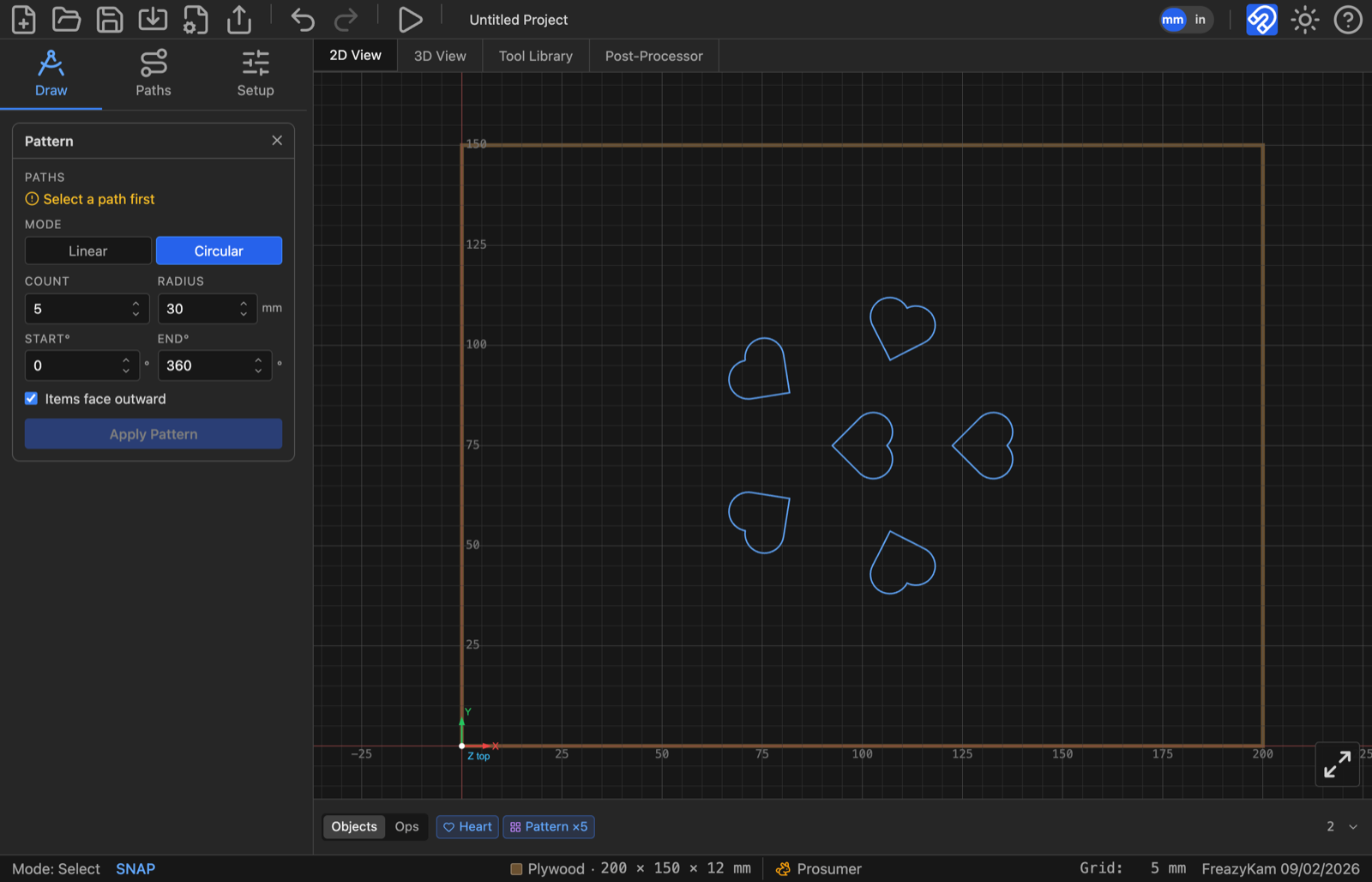
Click the result's chip in the Objects strip to change the settings later. Changing the count keeps the copies you already have.
Related: Place copies with the mouse · Nest parts on a sheet