Nest parts on a sheet#
Nest packs parts onto the stock to save material.
Select the parts.
Under Path Tools, click Nest.
Set:
Setting Typical Part Gap Tool diameter plus a little Edge Margin Room for clamps Rotation Step 15° for plywood/MDF, None if grain matters Pack From Left Edge or Bottom Edge Click Nest on Stock.
Regenerate any amber operations, and check your tabs.
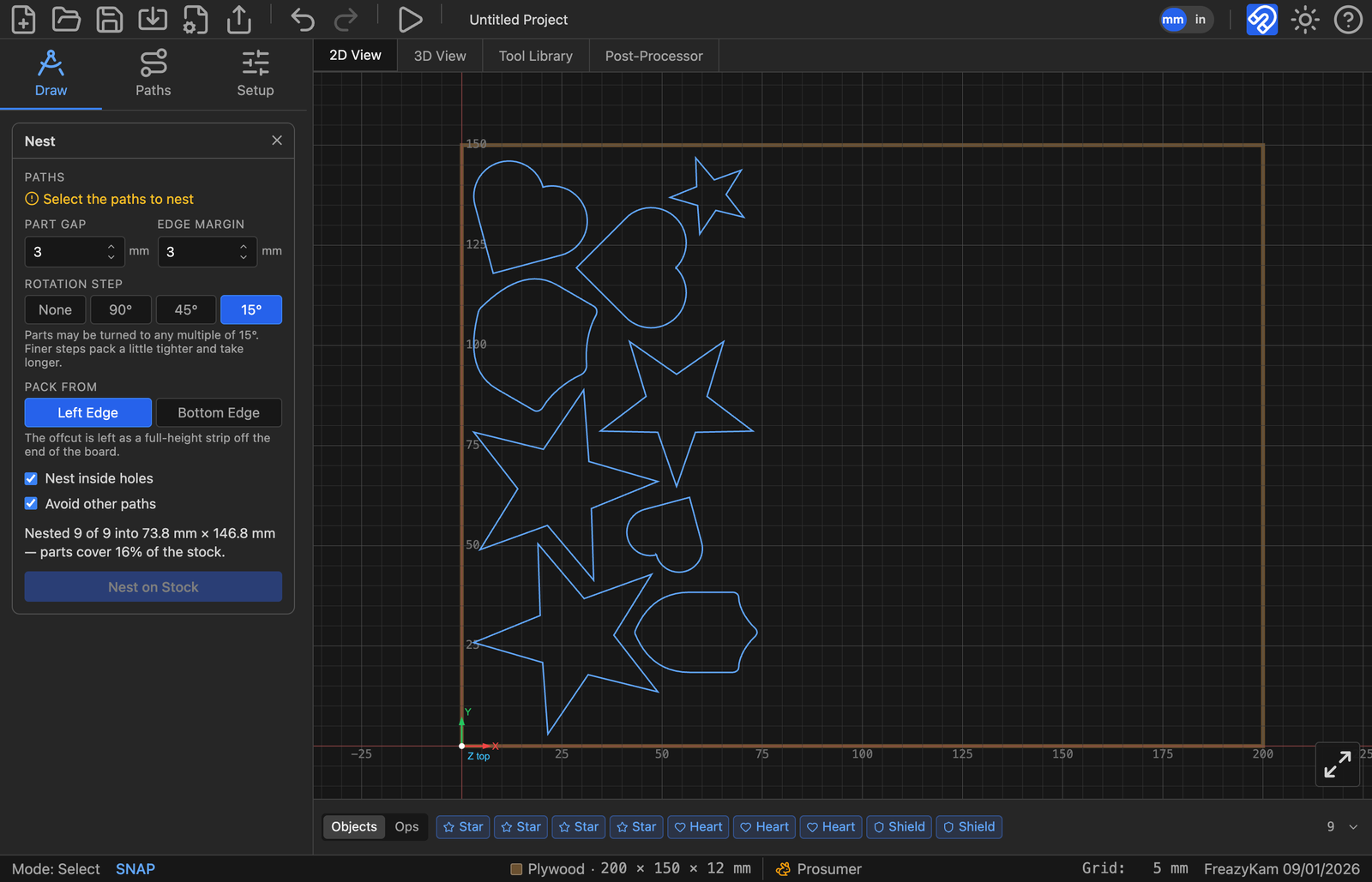
Parts that don't fit are placed beside the stock.
More options#
| Option | Use when |
|---|---|
| Shared lines | Place parts one cutter apart so neighbours share a cut. Pick the end mill, then use Profile's Optimize Path |
| Fill stock with copies | You want as many of one part as fit (button becomes Fill Stock) |
| Nest inside holes | You want small parts inside big ones (offcut ends up in pieces) |
| Avoid other paths | The sheet already has parts on it |
Related: Nesting for a usable offcut