Grow or shrink a shape (Offset)#
Draw a new outline a set distance outside or inside a shape. Offset is under Path Tools in the Draw tab.
- Select one or more shapes.
- Click Offset.
- Type a Distance: positive grows, negative shrinks.
- Pick a Corner Style: miter, round or square.
- Click Apply Offset.
A rectangle, circle, star or other basic shape stays that shape with new settings. Tick Keep shape to offset any other outline by scaling it to an average gap.
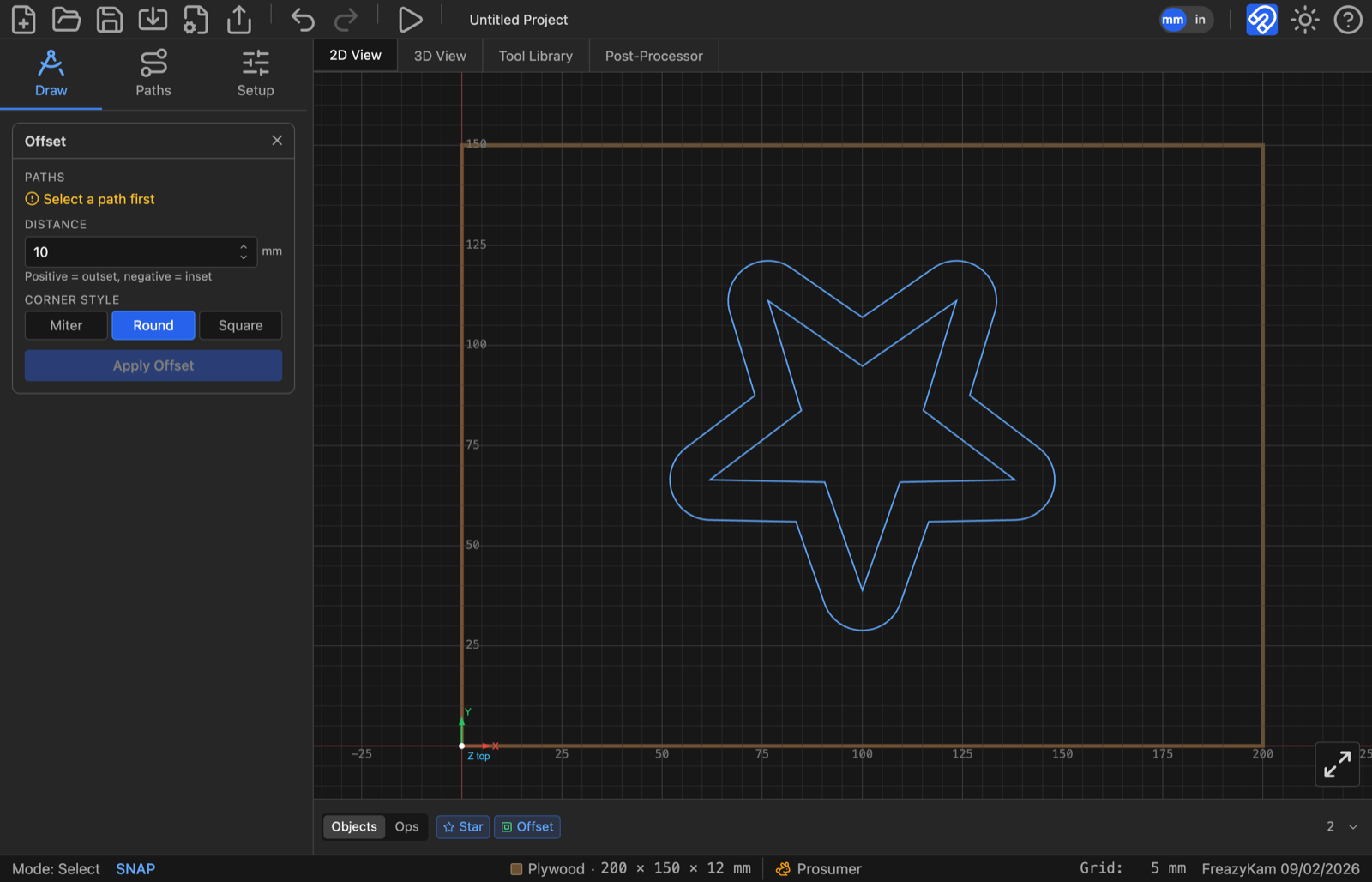
Click the result's chip in the Objects strip to change the settings later.
Related: Combine shapes · Repeat a shape