Edit points on a path#
Double-click the path.
Make your changes:
To Do Move a point Drag it Reshape a curve Drag a grey handle Add a point Click on the line Delete a point Hover it (turns red), press Delete Corner ↔ curve Alt-click the point Undo one edit Ctrl+Z Press Esc or click away to finish.
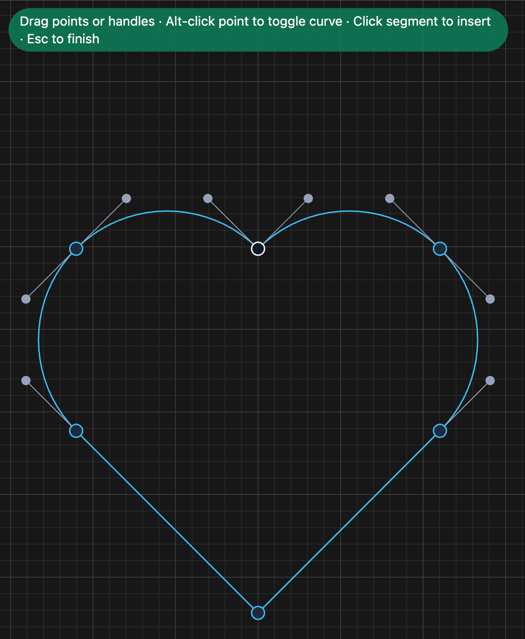
The white point is where the path starts.
Related: Draw with the pen