Clear a pocket#
Use Pocket to cut away the area inside a closed shape.
- Select a closed shape.
- Under CAM Operations, click Pocket.
- Pick the Tool.
- Set Depth.
- Leave Strategy on auto.
- Click Generate Toolpath.
Shapes inside the outline are left standing as islands. You don't need to mark them.
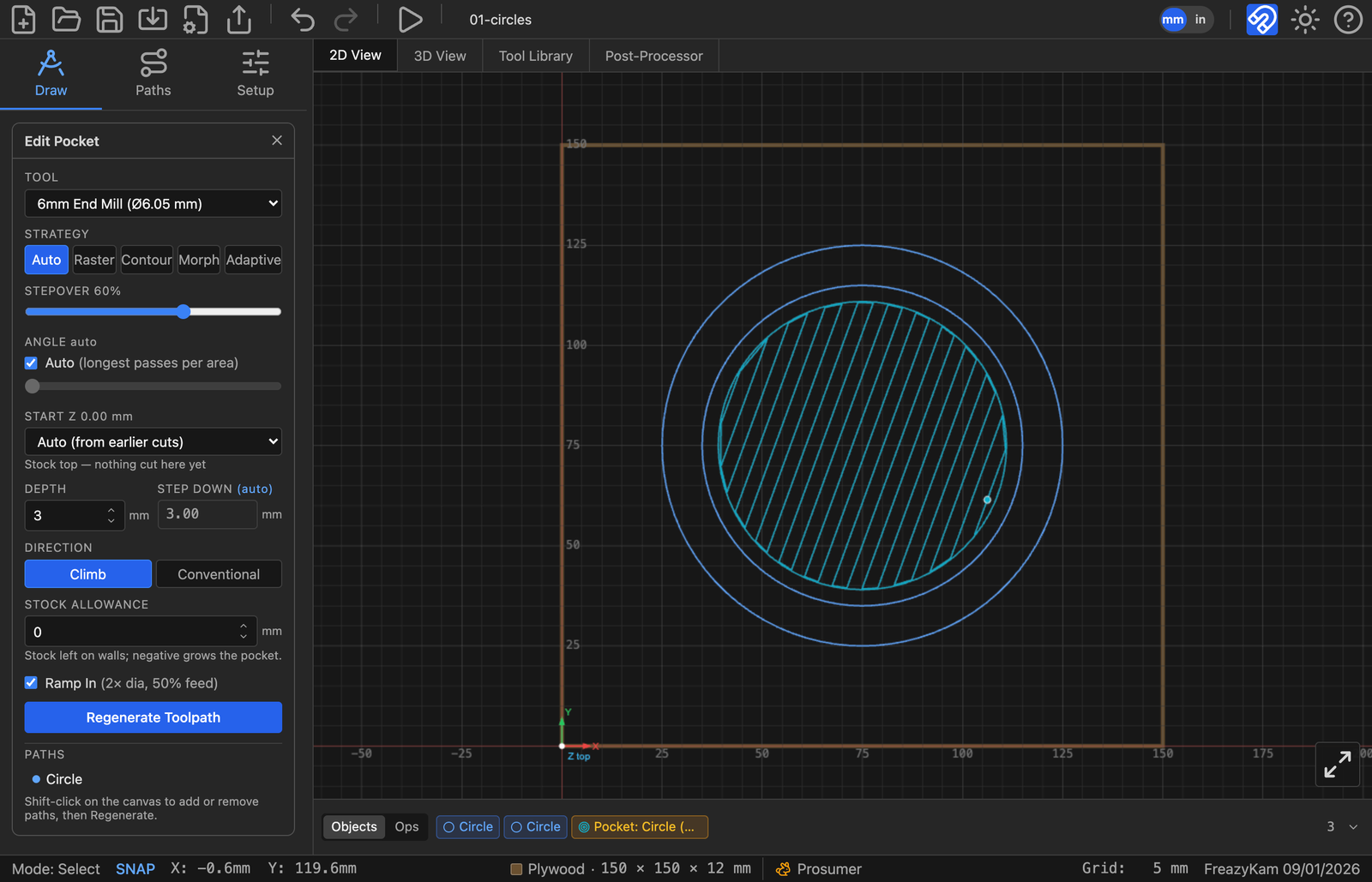
Ring shapes#
Selected two shapes, one inside the other? Tick Invert Pocket to switch between clearing the ring and clearing the middle.
No single closed shape?#
While the Pocket form is open, hover an area enclosed by several lines. It highlights. Click to make it a pocket shape.
Strategy said "declined"?#
Not an error. Auto cut it instead. Alt-click Generate to force your choice.
Related: Which strategy to use · All Pocket settings