Carve flutes#
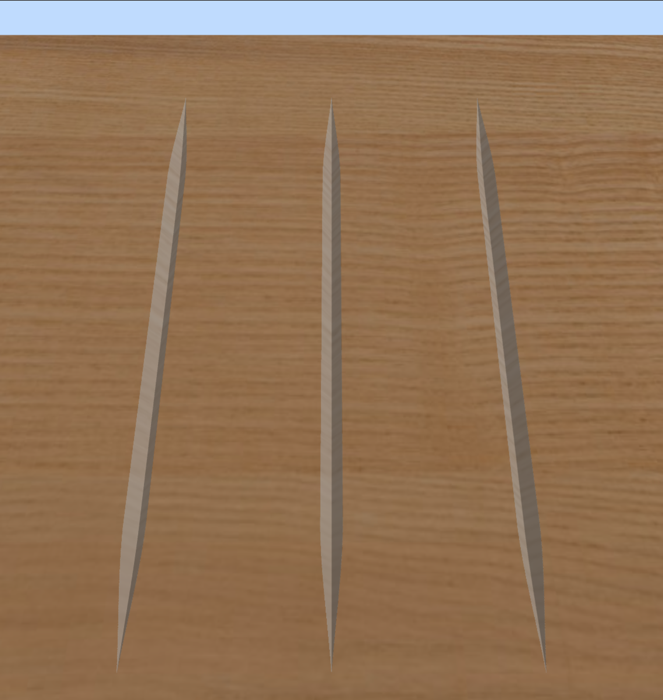
Flutes are grooves whose depth changes along their length — down a column or a table leg, deepest in the middle and fading out at the ends.
- Draw or import the lines the flutes run along. Open strokes are usual.
- Select them all.
- Click CAM Operations → Fluting.
- Pick a V-bit (V-groove) or a ball nose (round-bottomed flute).
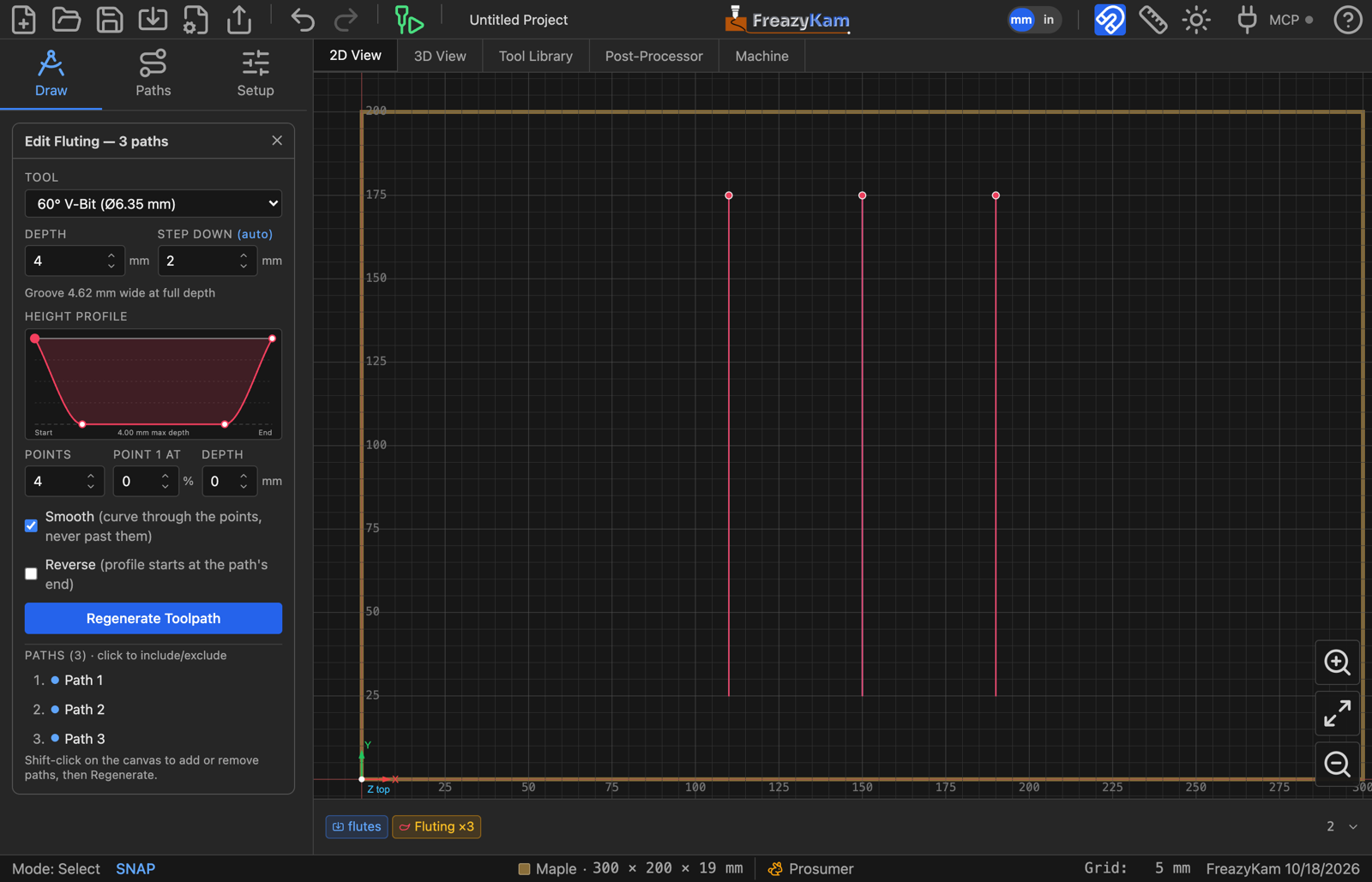
- Set Depth — the deepest point of the flute. The line under it says how wide the groove will be there.
- Shape the Height Profile:
- Drag the points. Left is the path's start, right its end. Top is the surface, bottom is full depth.
- Set Points for more or fewer breakpoints. The shape is kept.
- Click a point to type its exact position and depth.
- Leave Smooth on for a curved flute, or turn it off for straight lines between points.
- Click Generate Toolpath.
The profile runs the wrong way#
Tick Reverse. The profile then starts at the other end of each path. It only matters when the profile is not the same at both ends.
Different lengths#
One profile fits them all: it is stretched over each path's own length.
Related: Fluting settings · Fluting in the user guide