Combine shapes (Boolean)#
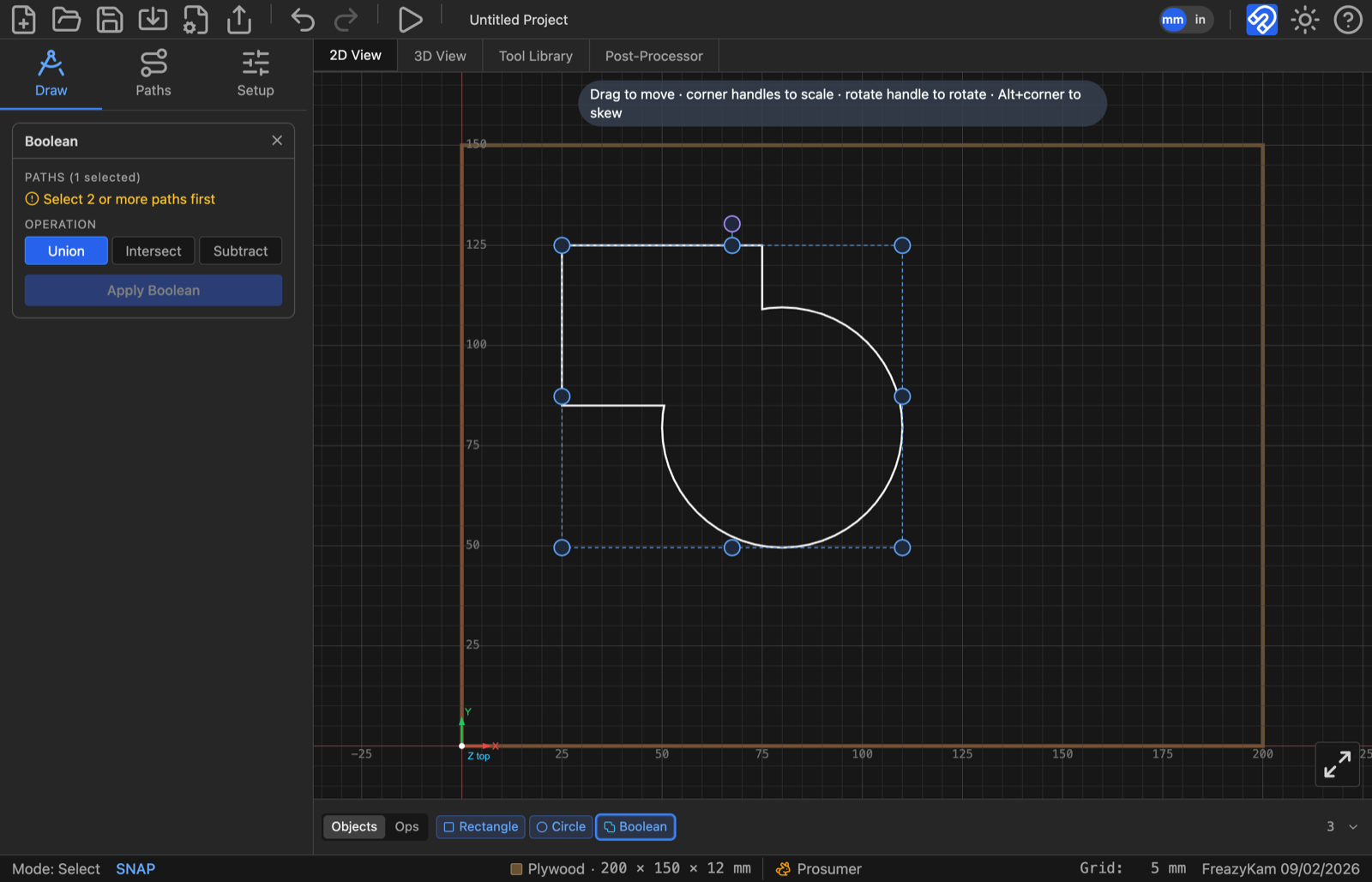
Merge shapes, keep only where they overlap, or cut one out of another. Boolean is under Path Tools in the Draw tab.
- Click the shape to keep first, then Shift-click the others.
- Click Boolean.
- Under Operation, pick union, intersect or subtract.
- Click Apply Boolean.
For Subtract, the first shape you clicked is kept and the others are cut away from it. The originals are hidden, not deleted.
Change it later#
Click the result's chip in the Objects strip to change the settings later. You can switch union to subtract, say, without picking the shapes again.
Related: Grow or shrink a shape · Round, chamfer or dogbone corners