V-carve lettering#
V-carving makes letters look hand-carved, with sharp corners and pointed serifs.
- Add your text with Text in the Draw tab, or import it.
- Select the letters.
- Under CAM Operations, click V-Carve.
- Pick a V-bit or taper (best for very fine letters).
- Set Max Depth. Read the line under it: it says the widest cut at that depth.
- Click Generate Toolpath.
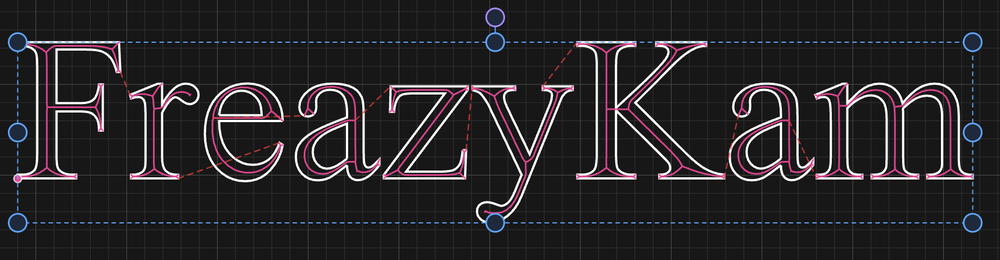
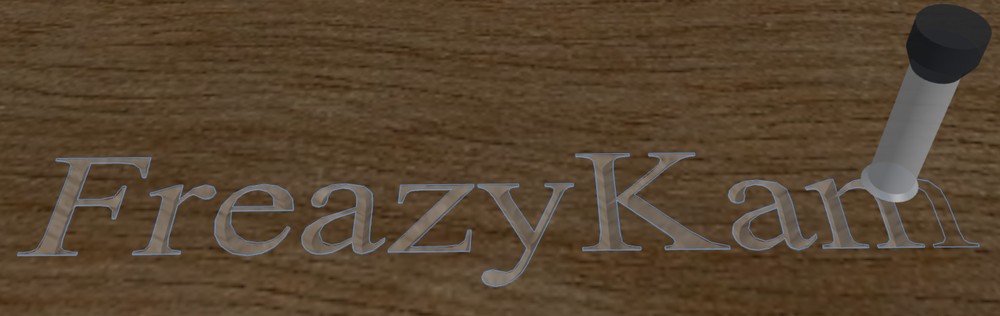
Letters look flat-bottomed?#
The cut hit Max Depth. Raise it.
"Could not compute V-Carve"?#
A letter is open or crosses itself. Try another font, or merge letters with Boolean → Union.
Related: How V-carving works