Draw a shape#
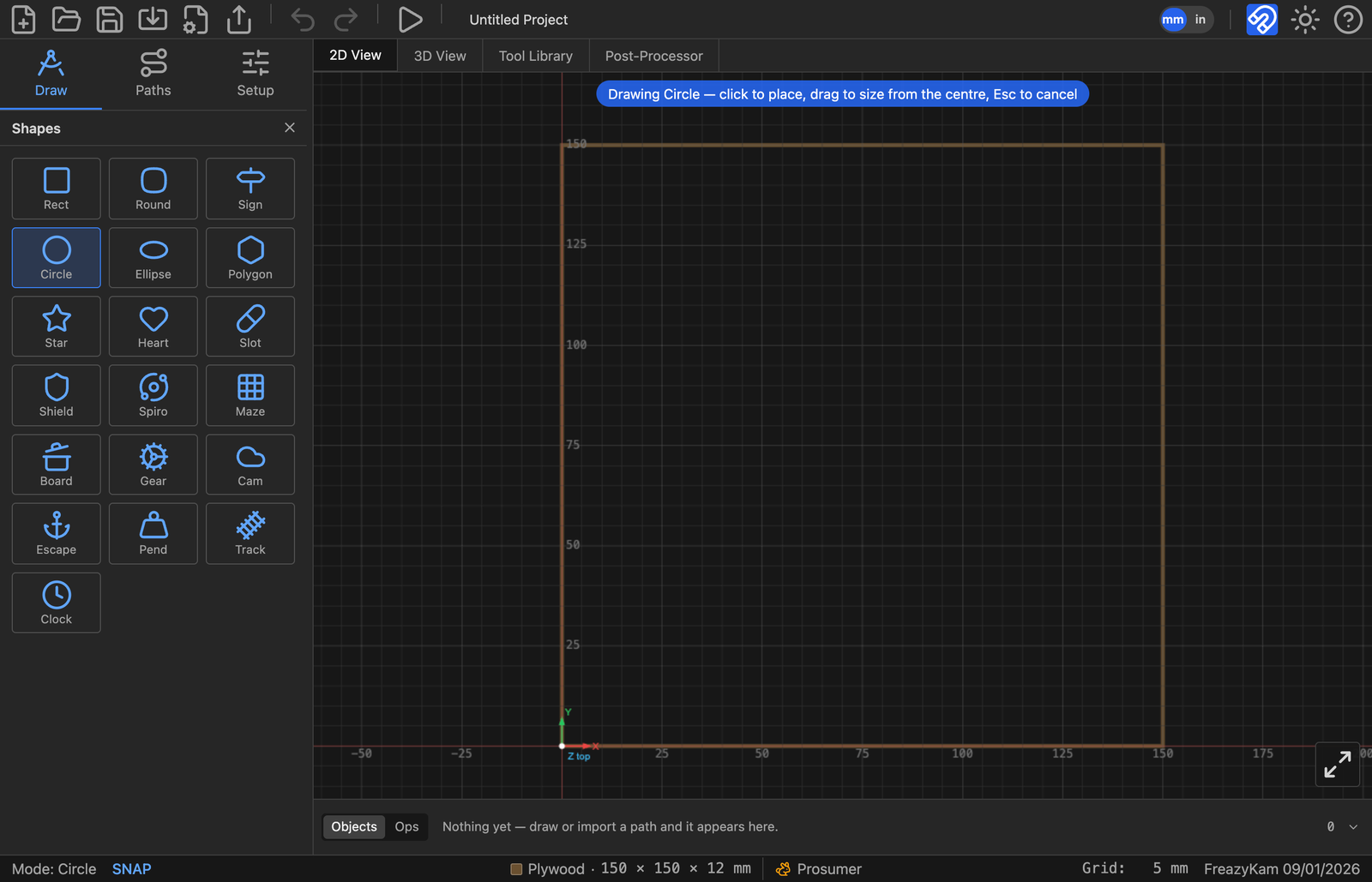
- Click the Draw tab.
- Click the arrow under the shape button to open the picker.
- Click a shape.
- Type its size in the fields that appear.
- Click the canvas to place it at that size, or drag to size it by eye.
- Press Esc when done.
Tips#
- The shape button remembers the last shape. Next time, just click it.
- Tick From centre to drag outward from the middle.
- Click the same spot twice to get shapes with the same centre.
- Gear, Escapement, Pendulum and Track ignore dragging. Their size comes from their settings.
Change it later#
Click the shape. Its settings appear in the Properties panel. Edit them any time.
Related: All shapes · Draw with the pen