Connect to your machine#
First time? Install the relay file.
- Click the Machine tab.
- Type the address:
fluidnc.localor the IP address. Just the address. - Click Connect.
- A FreazyKam link window opens. Leave it open. It can sit behind.
Pop-up blocked? Allow pop-ups for FreazyKam and click Connect again.
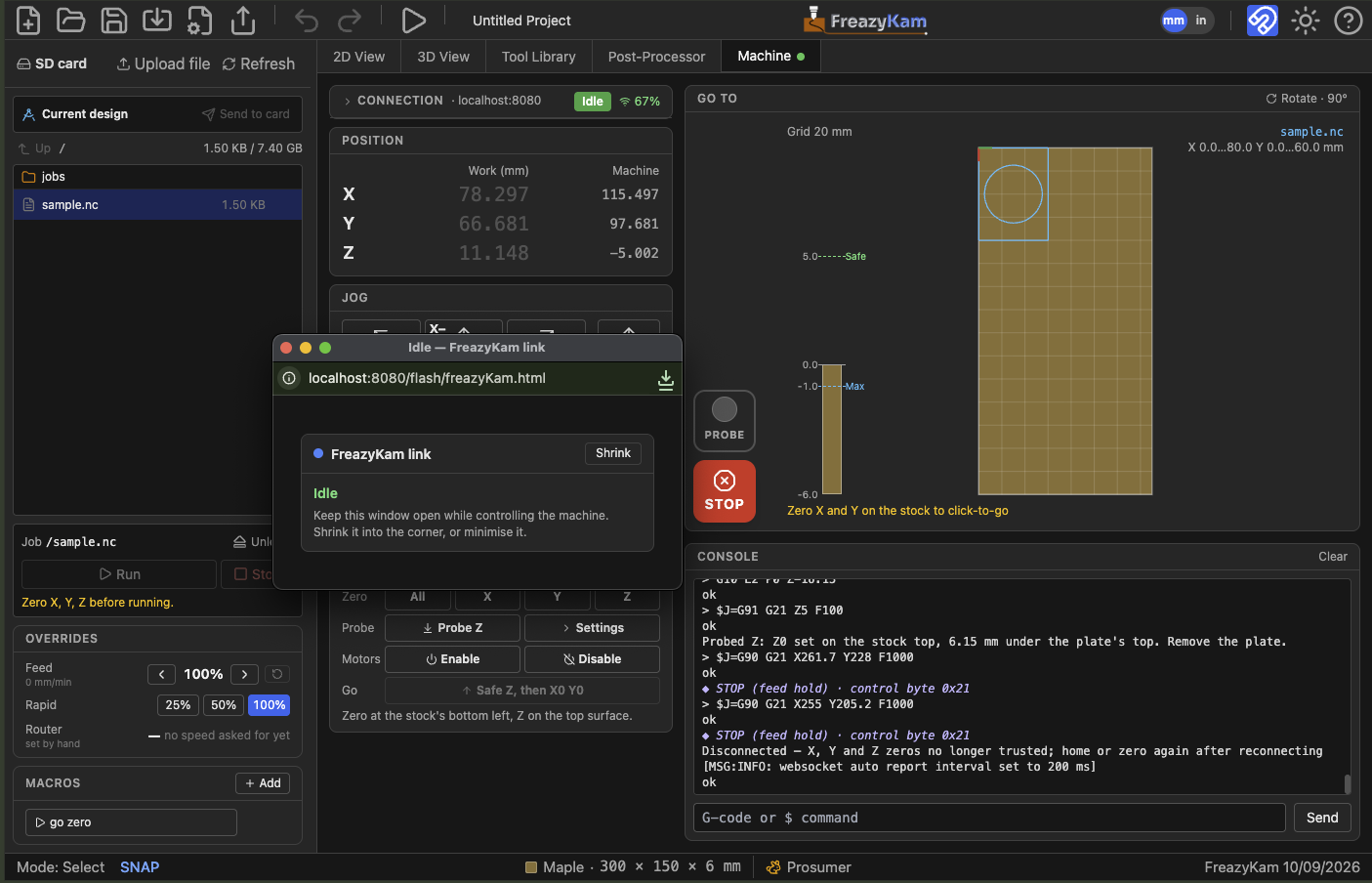
Connected#
- The Machine tab shows a green dot.
- The state shows Idle. In Alarm, click Unlock.
- The WiFi signal should be green (60 % or more).
Good to know#
- Connect before starting a job. The relay can't open while the machine moves.
- If the link drops, the app retries four times by itself.
- Closing the link window disconnects.
Problems? Fix a weak WiFi link