Import a maker's tool catalogue#
Most bit makers publish a Fusion 360 tool library (.json). FreazyKam can read it.
- Download the Fusion 360 library from the maker's website.
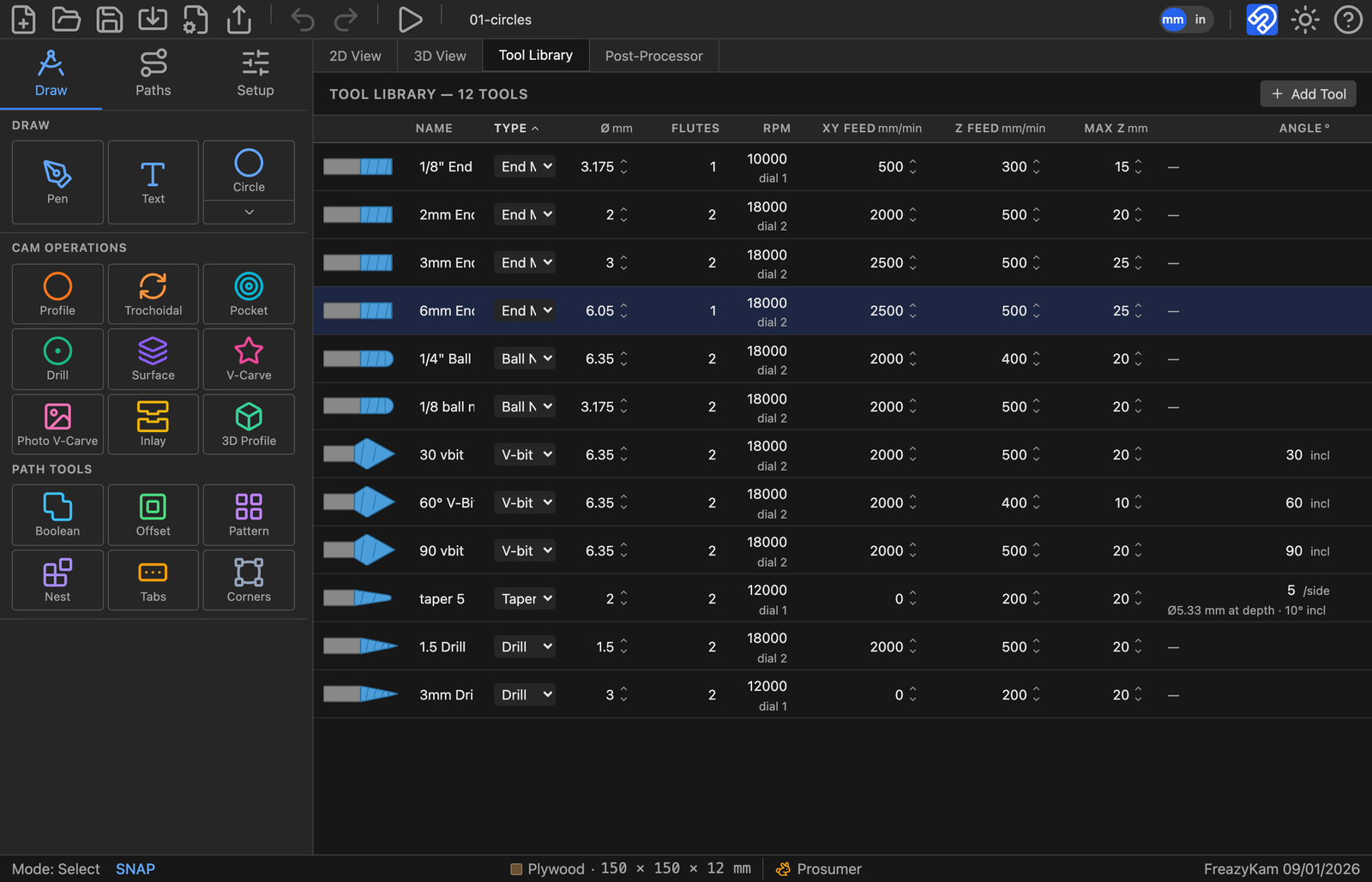
- Click the Tool Library tab.
- Click Import and pick the file.
- Choose the folder name (the maker's name is suggested).
- Check the list, then confirm.
The tools go into their own folder. Your own tools are never changed.
Use a catalogue bit#
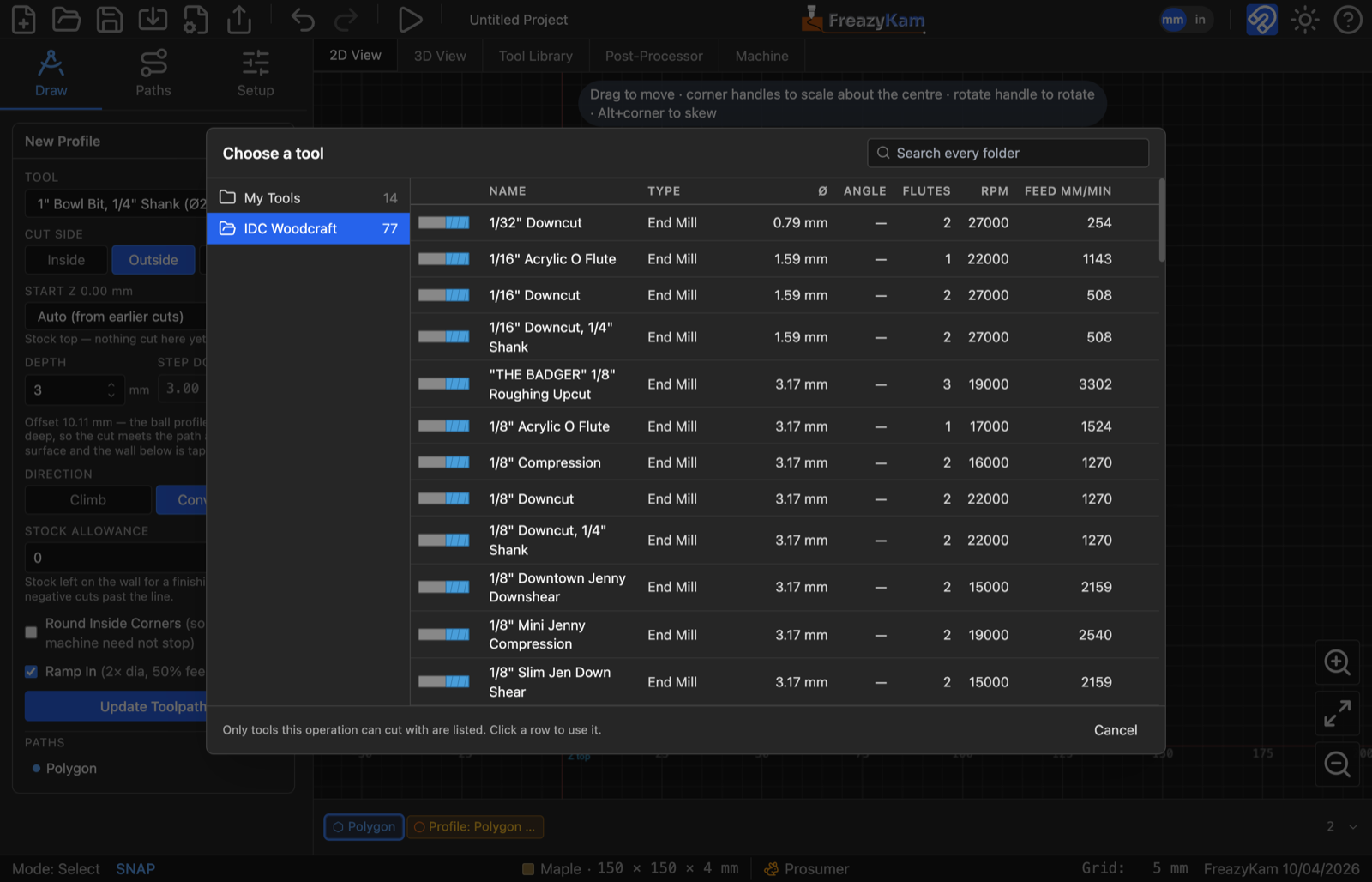
- In an operation: open the Tool list and pick Browse library…. Click a bit to use it.
- Keep it in My Tools: hover the row and click the copy icon.
Good to know#
- Round-over bits are skipped. The dialog lists them.
- Importing the same file twice adds nothing.
- A
.fksetfile from another FreazyKam user imports the same way.
Related: Add a tool · File formats