Find Z with a touch plate#
You need: a touch plate wired to the controller's probe input, and a clip on the bit.
First time#
- Click Settings beside Probe Z.
- Enter your plate's measured thickness as Plate.
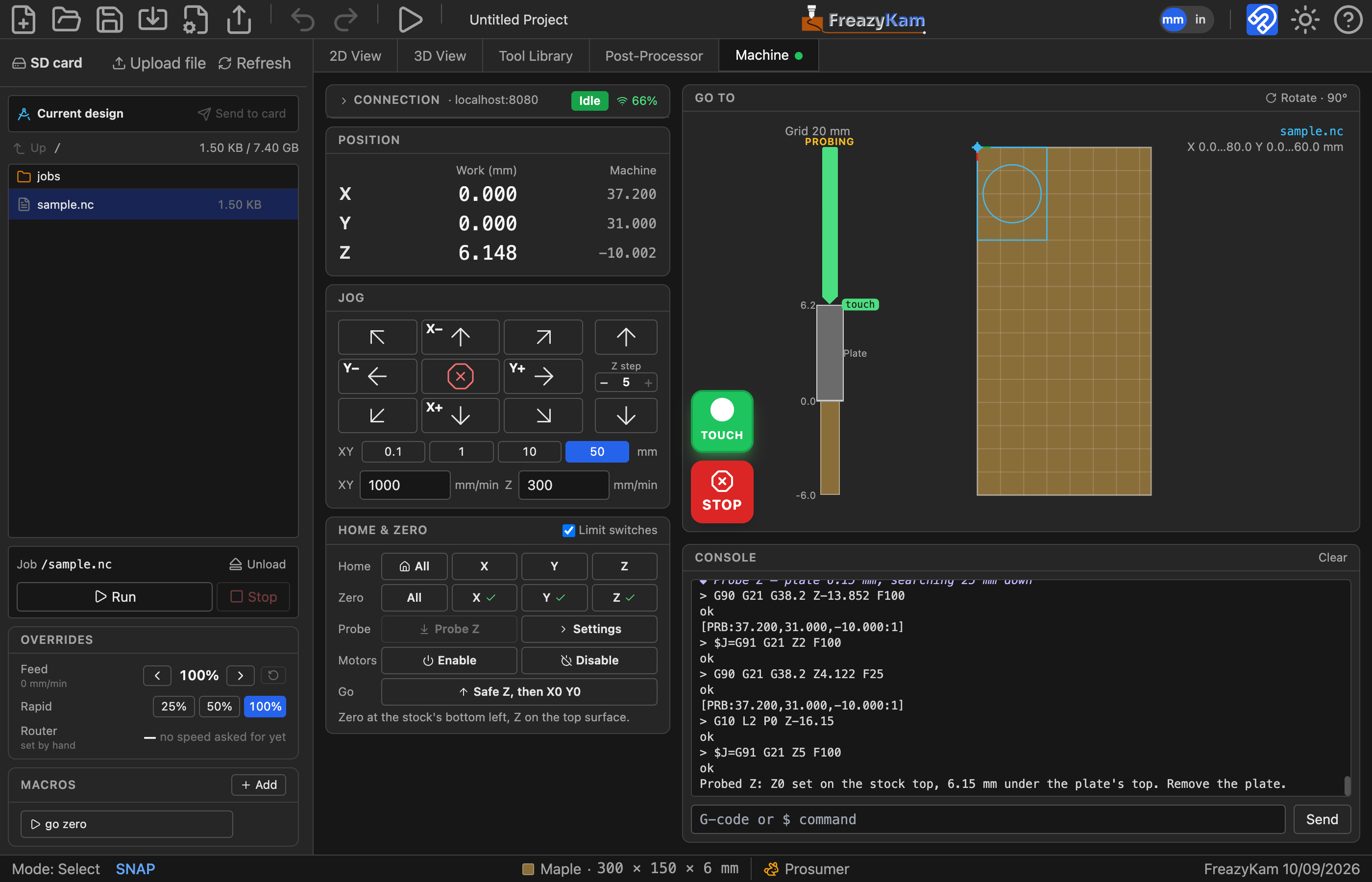
- Touch the plate to the bit. The probe light above STOP should turn green and read TOUCH.
Each time#
- Jog the bit above the stock, within 25 mm.
- Put the plate under the bit:
- Top of stock origin: on the stock.
- Bottom of stock origin: on the table.
- Clip on.
- Click Probe Z.
- Remove the plate when the bit lifts.
Z now shows ✓.
Problems#
| Problem | Fix |
|---|---|
| Won't start | The probe already reads touching. Check the clip is on the bit |
| Alarm: nothing touched | Click Unlock, move closer, try again |
| "No probe" message | Add probe: pin: to the controller's config |
STOP cancels probing and sets nothing.
Related: Probe settings