Make a gear#
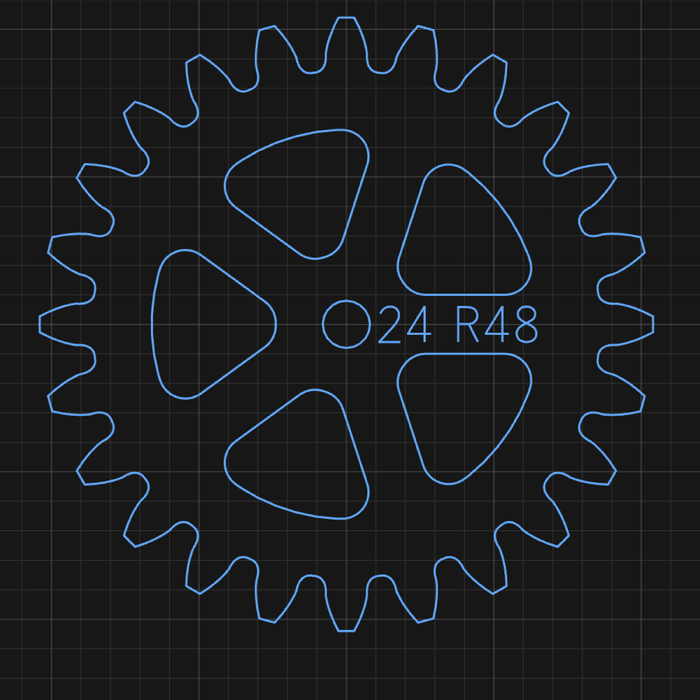
Open the shape picker and click Gear.
Set:
Field Enter Module Tooth size. Gears that mesh need the same module Teeth Number of teeth Profile Involute for general use, Cycloidal (clock) for clocks Pressure Involute only. Pressure angle (both gears the same) Click the canvas to place it.
Set Bore Ø, Hub Ø, Spokes, Spoke W and Rim for the wheel body.
The size comes from Module × Teeth. You can't drag to resize it.
Check two gears mesh#
- Place both gears.
- Click Animate in mesh in the Properties panel to watch them turn.
- Use the centre distance the panel reports to space them.
Cut it#
Profile outside around the gear. Use a bit small enough to reach between the teeth.
Related: Gear settings · Gears and clock trains